


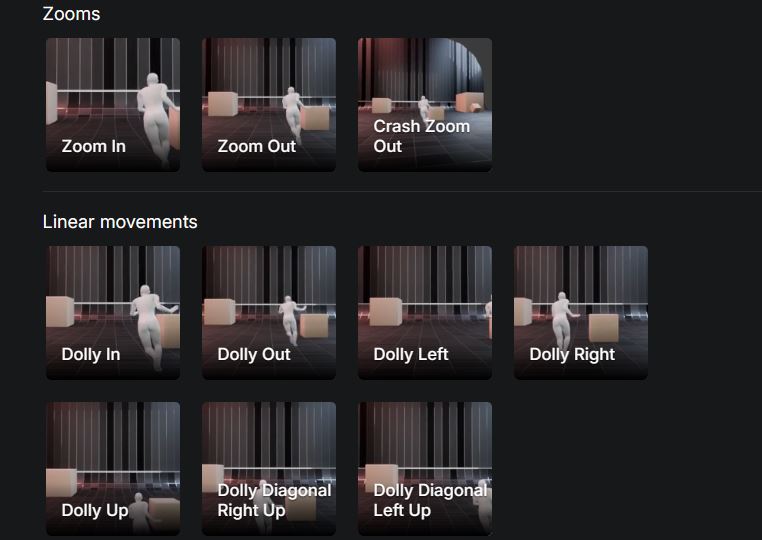
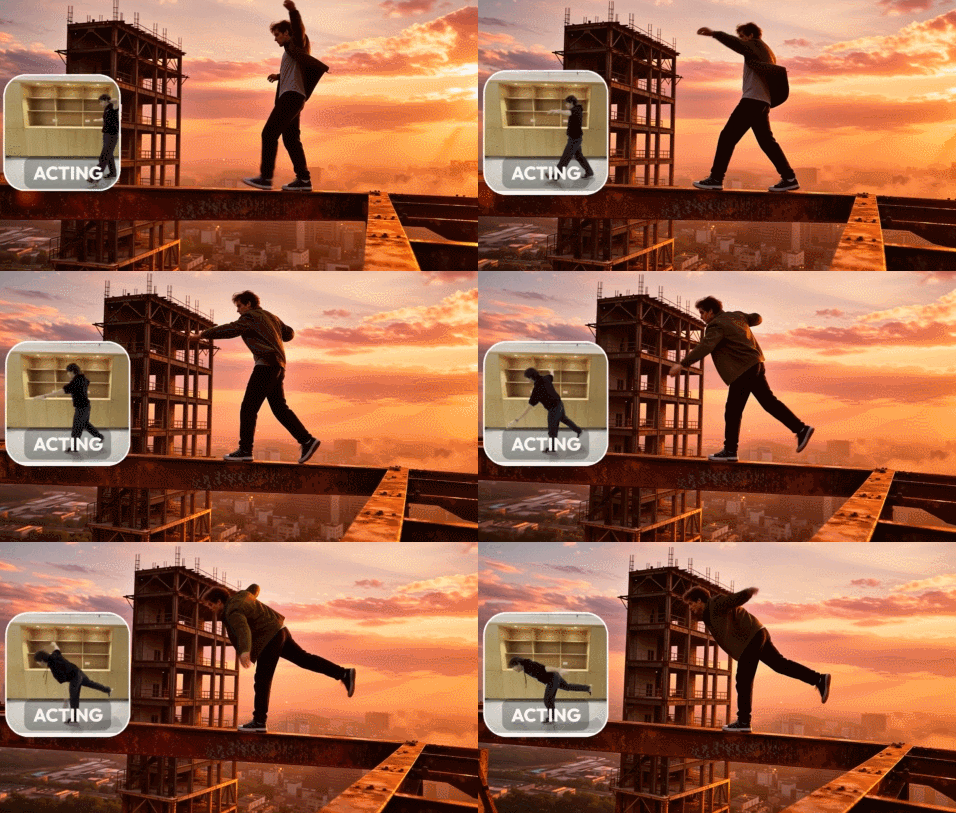
This is Kamo-1: a new 3D conditional video model that lets you control your character’s movement and camera angle. You can upload a video to show how the main subject moves during your video. You can also pick from a wide variety of camera motions. To get started, you need a first frame. You can upload it or create it through the interface. There is also a prompt section that lets you describe how everything should happen.
Kamo-1 is officially live in Open Beta and it pushes AI video into a new vertical: control.
Most models chase fidelity. Kamo-1 focuses on performance control & direction.
• Act out a motion → get the full-body performance
• Choose camera trajectory → get real cinematography… pic.twitter.com/g9kSUD8vYn— Kinetix (@kinetix_ai) December 3, 2025
This model had 3D understanding, so it can give you much better character control. As it is suggested in the instructions, you need your camera to be stable and record only one actor per video. You should also have fitted clothing, so the model can track the actor’s limbs. Here are a few other things to keep in mind:
- Facial expressions aren’t tracked, so describe them if they matter (e.g. “she smiles gently”, “he frowns with concern”).
- Explain the intent behind the movement, especially if it’s not obvious from body motion alone (e.g. “the man dodges an unseen threat just offscreen”).
- Mention any important person, object, or event that isn’t visible in the first frame (e.g. “a shadowy figure appears behind her as she turns”).
- Avoid contradictions: your prompt must stay consistent with the image and acting reference. Don’t describe rain if it’s sunny, or objects that aren’t there.
[HT]
